

-

Proveedor: 5 Core
5 Core Mic Stand Floor Height Adjustable Tripod Microphone Stands w Extending Telescoping Boom Arm
SKU: MS DBL G D-BLU 2 PCSSale price: $24.47
Regular price: $27.00 -

Proveedor: 5 Core
5 Core Microphone 2 Pc Professional Lavalier Mic Wearable Omnidirectional 3.5mm Body Lapel Mics
SKU: CM 001 2Pcs$15.99 -

Proveedor: 5 Core
5 Core Microphone 2Pcs Lavalier Mic Wearable Omnidirectional Condenser 3.5mm Body Microfono
SKU: CM MOB 2M 2Pcs$14.99 -

Proveedor: 5 Core
5 Core Microphone 2Pc Lavalier Mic Wearable Omnidirectional Condenser 3.5mm Body Lapel Mics
SKU: CM 001 ADP 2Pcs$18.99 -

Proveedor: 5 Core
5 Core Microphone 2Pc Dynamic Vocal Handheld Mic Cardioid Singing Karaok Microfono w On Off Switch
SKU: A-54 2Pcs$40.99 -

Proveedor: 5 Core
5 Core Microphone 2Pc Dynamic Karaoke XLR Mic Cardioid Unidirectional Handheld Wired Microfono
SKU: BETA 2Pcs$25.99 -

Proveedor: 5 Core
5 Core Retro Dynamic Vocal Iconic Microphone Vintage Style Classic Cardioid Unidirectional Mic
SKU: RTRO MIC WH$42.99 -

Proveedor: 5 Core
5 Core Retro Dynamic Vocal Iconic Microphone Vintage Style Classic Cardioid Unidirectional Mic
SKU: RTRO MIC RSE GLD$42.99 -
Proveedor: 5 Core
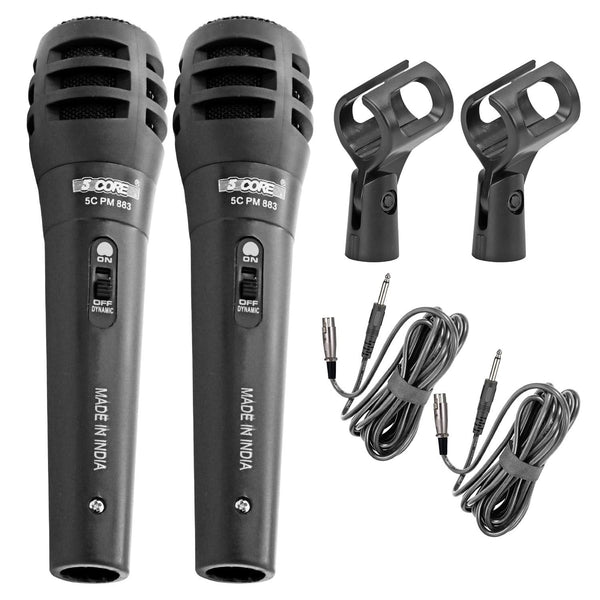
5Core XLR Microphone Dynamic Mic Karaoke Singing Studio Mics Handheld Microfono
SKU: PM-883 2PCS$17.99 -
Proveedor: 5 Core
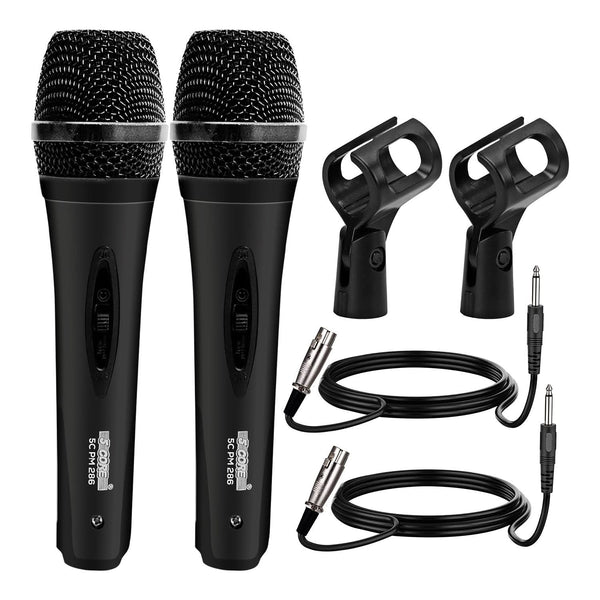
5Core XLR Microphone Dynamic Mic Karaoke Singing Studio Mics Handheld Microfono
SKU: PM-286 2PCS$25.99 -
Proveedor: 5 Core
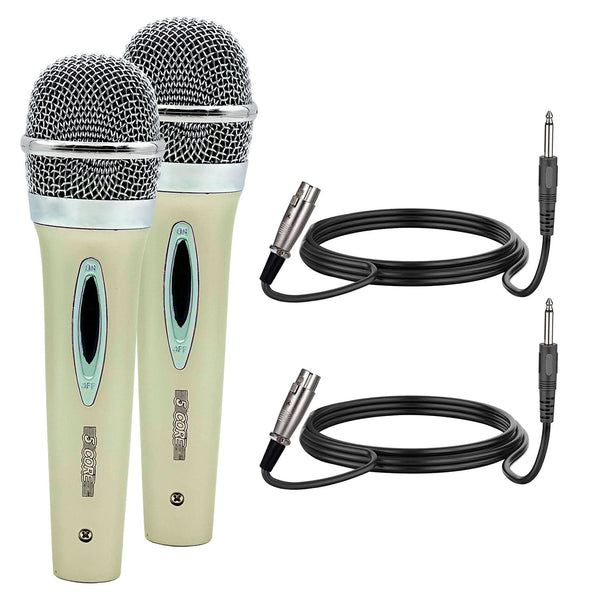
5Core XLR Microphone Dynamic Mic Karaoke Singing Studio Mics Handheld Microfono
SKU: PM 286 WH 2PCS$25.99 -
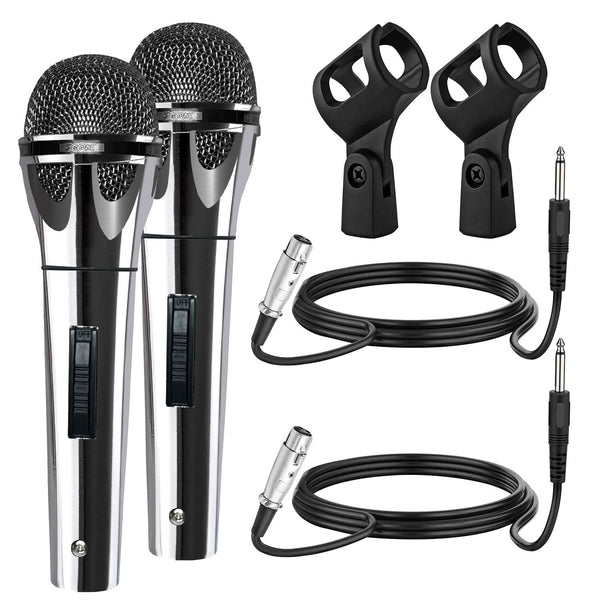
Proveedor: 5 Core
5Core XLR Microphone Dynamic Mic Karaoke Singing Studio Mics Handheld Microfono
SKU: PM 817 CH 2PCS$25.99 -
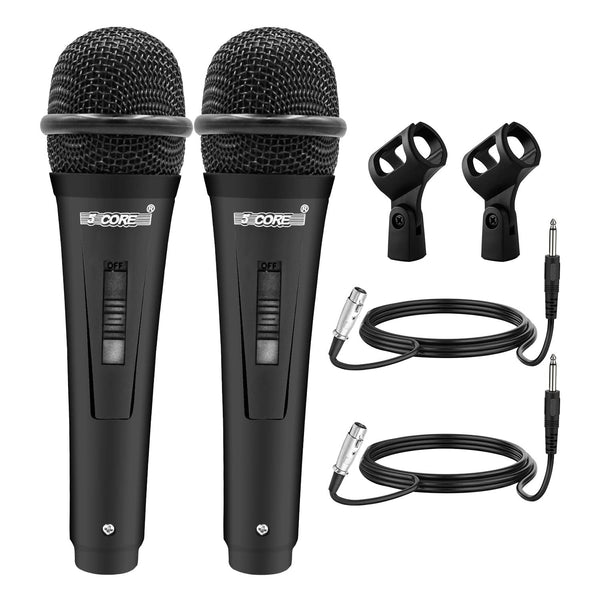
Proveedor: 5 Core
5Core XLR Microphone Dynamic Mic Karaoke Singing Studio Mics Handheld Microfono
SKU: PM 816 2PCS$20.99 -
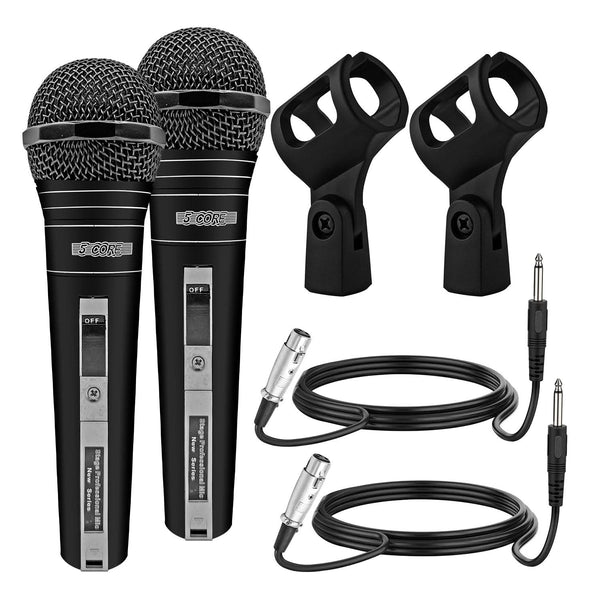
Proveedor: 5 Core
5Core XLR Microphone Dynamic Mic Karaoke Singing Studio Mics Handheld Microfono
SKU: PM 757 2PCS$20.99 -
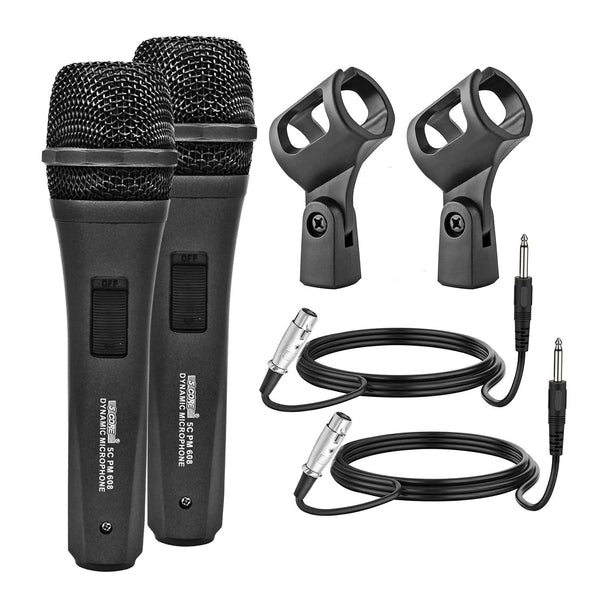
Proveedor: 5 Core
5Core XLR Microphone Dynamic Mic Karaoke Singing Studio Mics Handheld Microfono
SKU: PM 608 2PCS$20.99 -
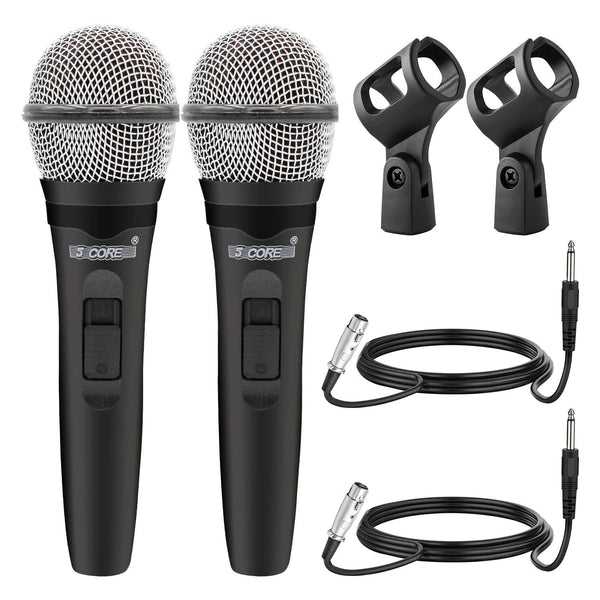
Proveedor: 5 Core
5Core XLR Microphone Dynamic Mic Karaoke Singing Studio Mics Handheld Microfono
SKU: PM 600 2PCS$19.99 -
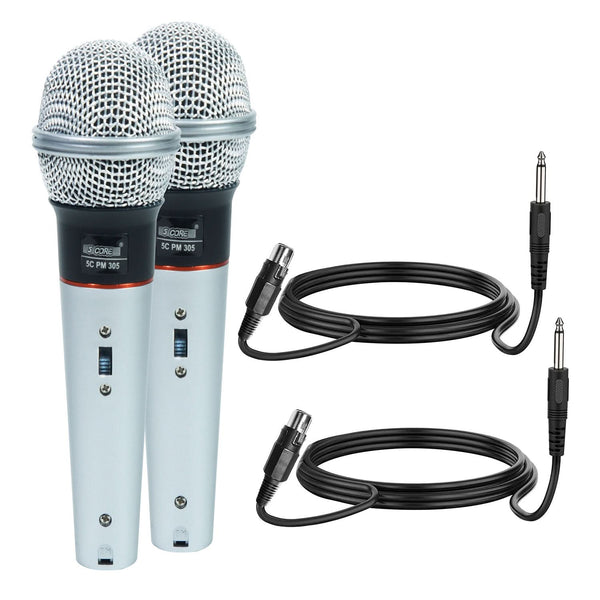
Proveedor: 5 Core
5Core XLR Microphone Dynamic Mic Karaoke Singing Studio Mics Handheld Microfono
SKU: PM 305 2PCS$19.99 -
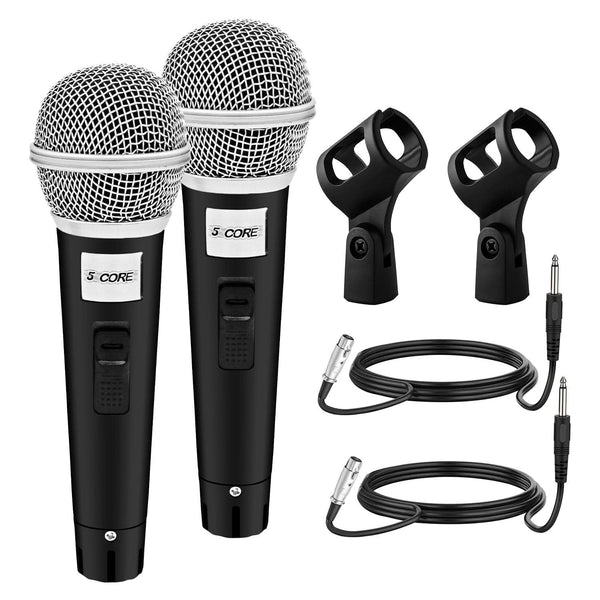
Proveedor: 5 Core
5Core XLR Microphone Dynamic Mic Karaoke Singing Studio Mics Handheld Microfono
SKU: PM 18 2PCS$19.99 -
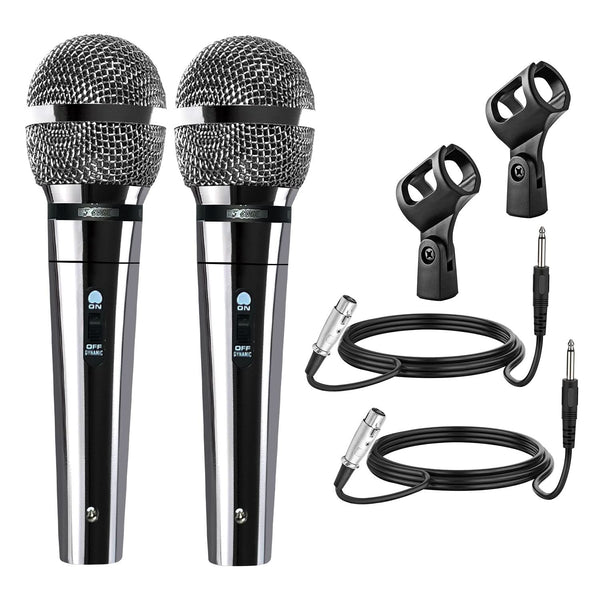
Proveedor: 5 Core
5Core XLR Microphone Dynamic Mic Karaoke Singing Studio Mics Handheld Microfono
SKU: PM 111 CH 2PCS$20.99 -
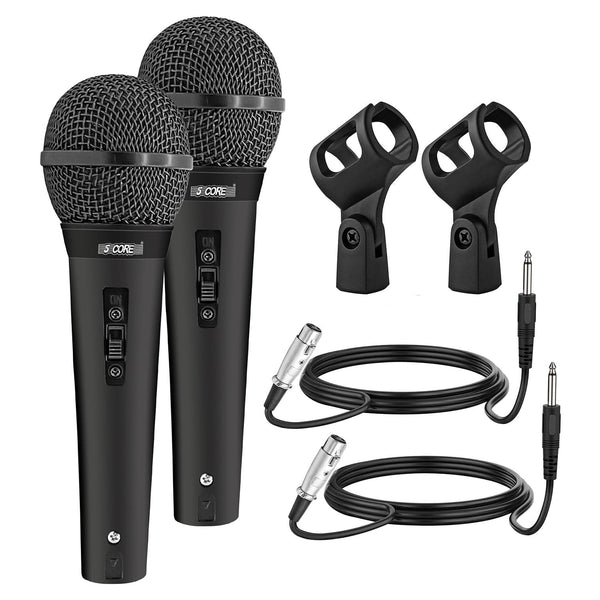
Proveedor: 5 Core
5Core XLR Microphone Dynamic Mic Karaoke Singing Studio Mics Handheld Microfono
SKU: PM 1O1 BLK 2PCS$18.99 -
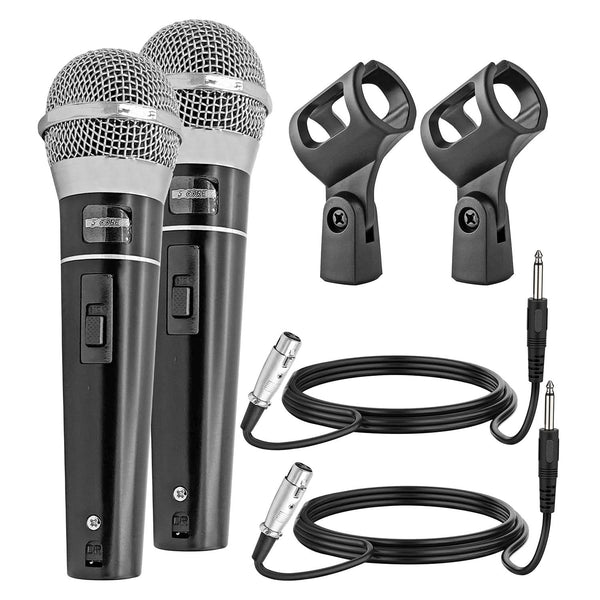
Proveedor: 5 Core
5Core XLR Microphone Dynamic Mic Karaoke Singing Studio Mics Handheld Microfono
SKU: PM 100 2PCS$20.99 -
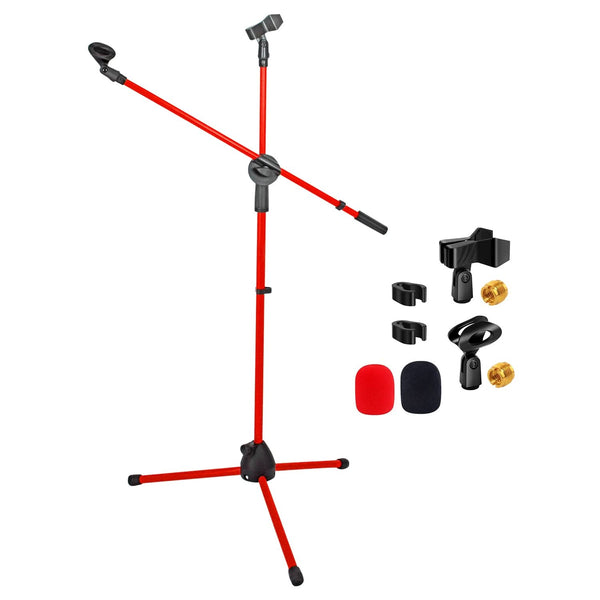
Proveedor: 5 Core
5 Core Mic Stand Floor Height Adjustable Tripod Microphone Stands w Extending Telescoping Boom Arm
SKU: MS DBL G REDSale price: $25.99
Regular price: $29.00 -
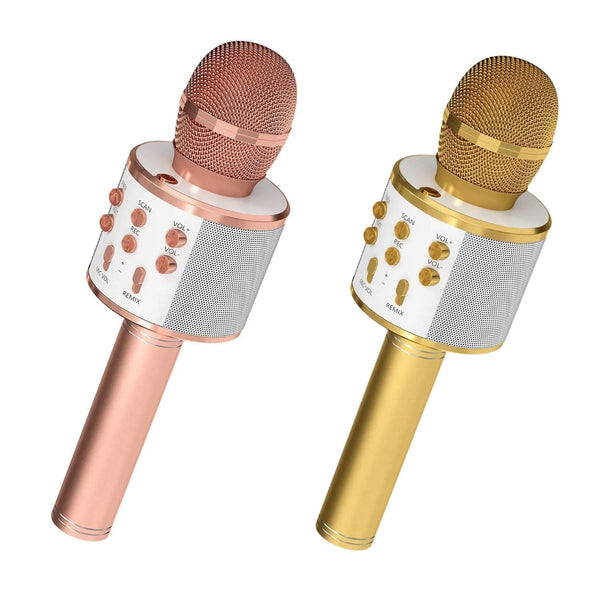
Proveedor: 5 Core
5 Core Microphone Wireless Karaoke Mic With Speaker 3 in 1 Portable Bluetooth Microfono Inalambrico COPPER & GOLD
SKU: WM SPK COPPER+GLDSale price: $20.69
Regular price: $60.00 -
Proveedor: 5 Core
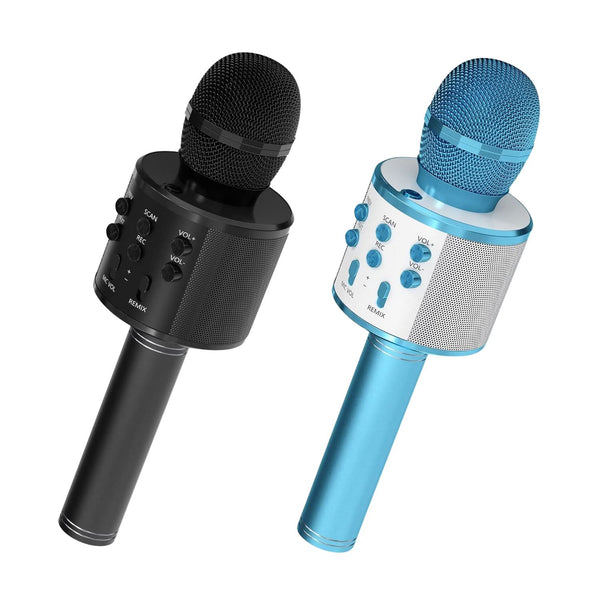
5 Core Microphone Wireless Karaoke Mic With Speaker 3 in 1 Portable Bluetooth Microfono Inalambrico BLACK & BLUE
SKU: WM SPK BLK+BLUSale price: $20.29
Regular price: $60.00 -
Proveedor: 5 Core
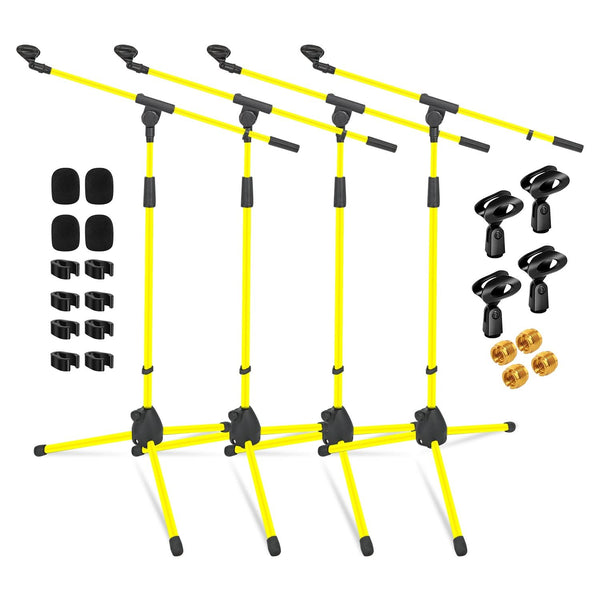
5Core Tripod Mic Stand 4Pcs Adjustable Holder Floor Microphone Boom Arm
SKU: MS 080 YLW 4PCSale price: $79.99
Regular price: $88.00 -
Proveedor: 5 Core
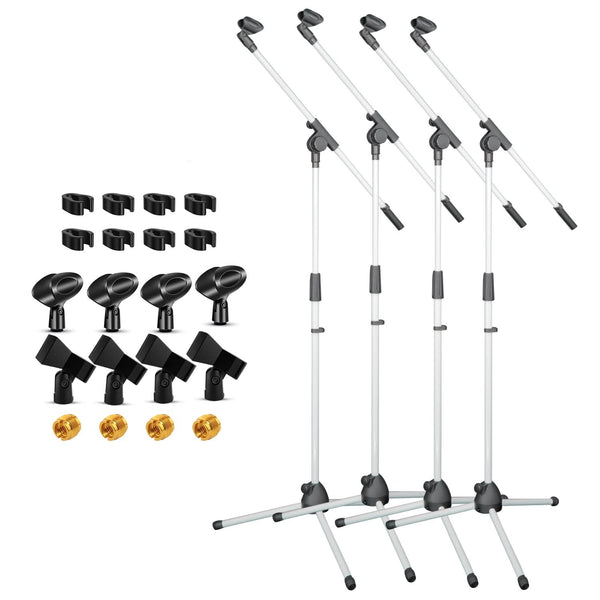
5Core Tripod Mic Stand 4Pcs Adjustable Holder Floor Microphone Boom Arm
SKU: MS 080 WH 4PCSale price: $79.99
Regular price: $88.00 -
Proveedor: 5 Core
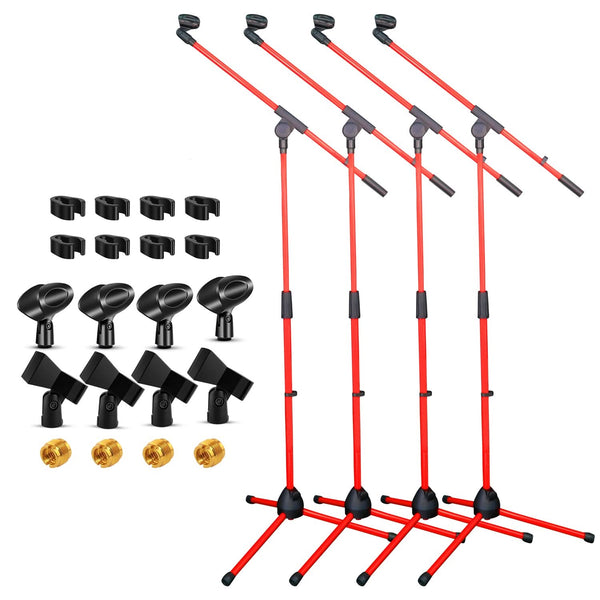
5Core Tripod Mic Stand 4Pcs Adjustable Holder Floor Microphone Boom Arm
SKU: MS 080 RED 4PCSale price: $79.99
Regular price: $88.00 -
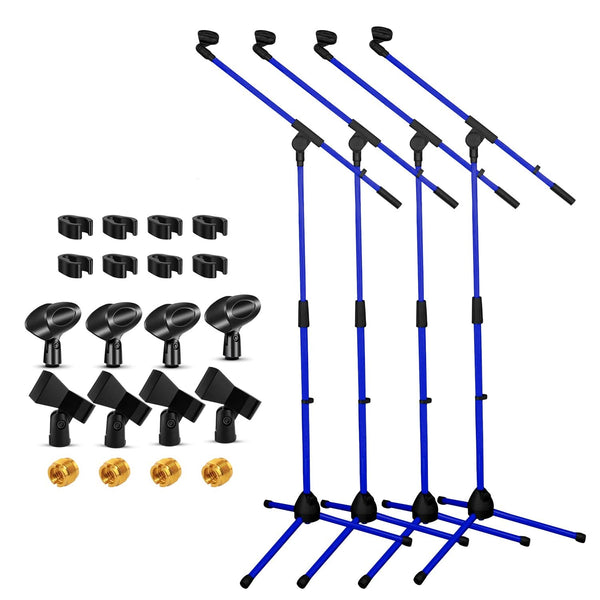
Proveedor: 5 Core
5Core Tripod Mic Stand 4Pcs Adjustable Holder Floor Microphone Boom Arm
SKU: MS 080 D-BLU 4PCSSale price: $79.99
Regular price: $88.00 -
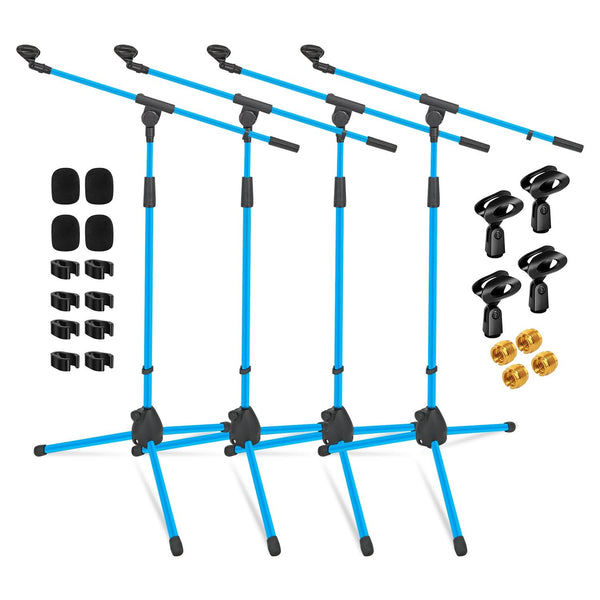
Proveedor: 5 Core
5Core Tripod Mic Stand 4Pcs Adjustable Holder Floor Microphone Boom Arm
SKU: MS 080 SKY BLU 4PCSale price: $79.37
Regular price: $87.00 -
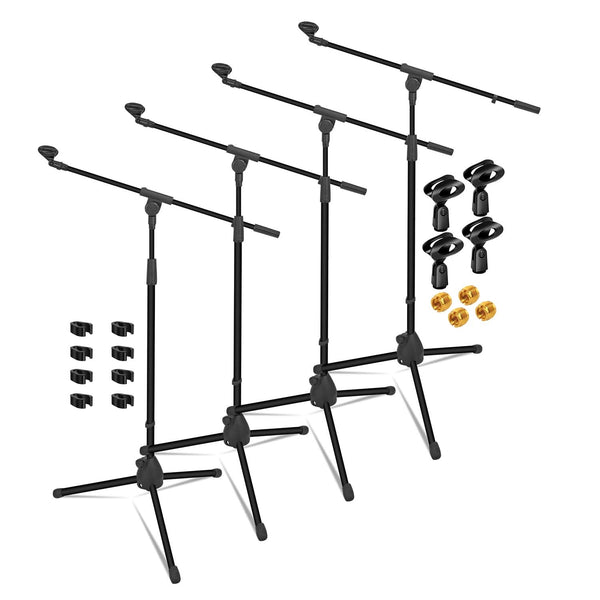
Proveedor: 5 Core
5Core Tripod Mic Stand 4Pcs Adjustable Holder Floor Microphone Boom Arm
SKU: MS 080 4PcsSale price: $85.99
Regular price: $95.00 -
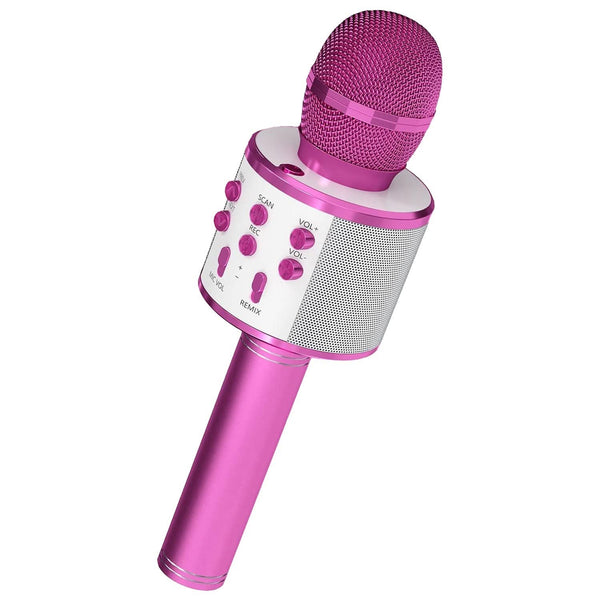
Proveedor: 5 Core
5 Core Microphone Wireless Karaoke Mic With Speaker 3 in 1 Portable Bluetooth Microfono Inalambrico PINK
SKU: WM SPK PINK$12.69 -
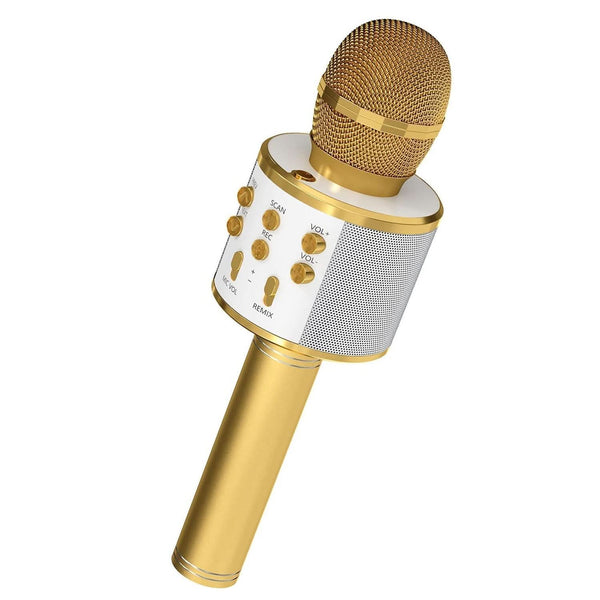
Proveedor: 5 Core
5 Core Microphone Wireless Karaoke Mic With Speaker 3 in 1 Portable Bluetooth Microfono Inalambrico GOLD
SKU: WM SPK GLD$13.96 -
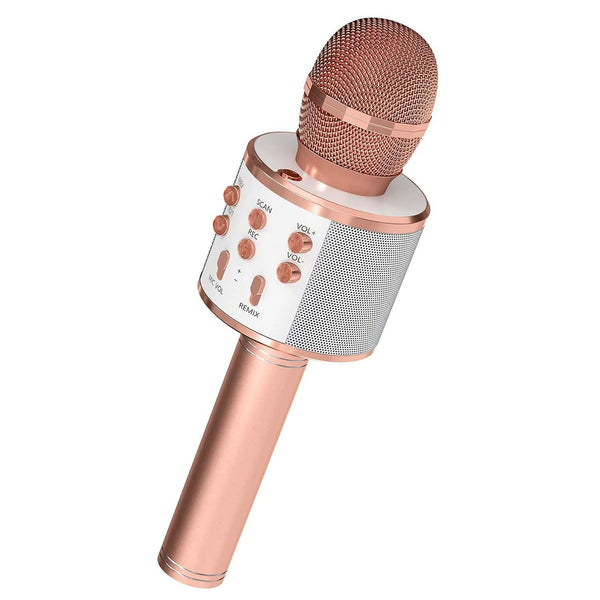
Proveedor: 5 Core
5 Core Microphone Wireless Karaoke Mic With Speaker 3 in 1 Portable Bluetooth Microfono Inalambrico COPPER
SKU: WM SPK COPPER$14.27 -
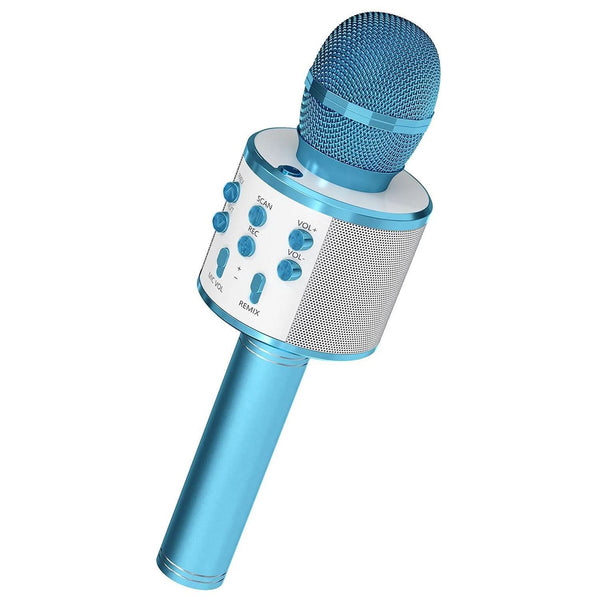
Proveedor: 5 Core
5 Core Microphone Wireless Karaoke Mic With Speaker 3 in 1 Portable Bluetooth Microfono Inalambrico BLUE
SKU: WM SPK BLU$12.99 -
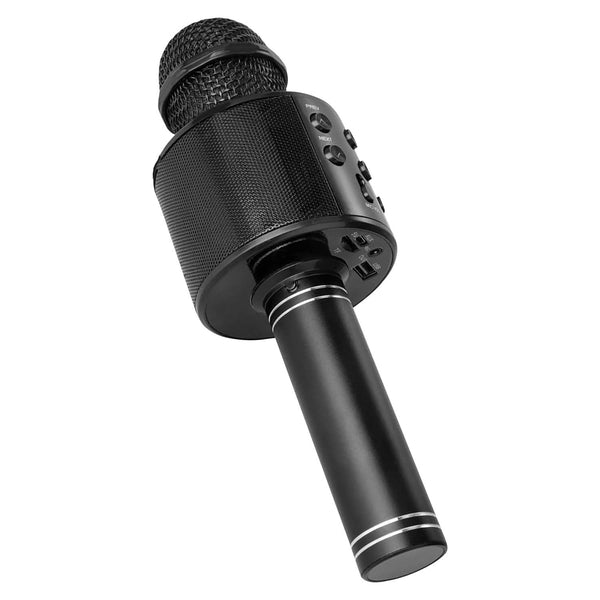
Proveedor: 5 Core
5 Core Microphone Wireless Karaoke Mic With Speaker 3 in 1 Portable Bluetooth Microfono Inalambrico BLACK
SKU: WM SPK BLKSale price: $12.99
Regular price: $14.00 -
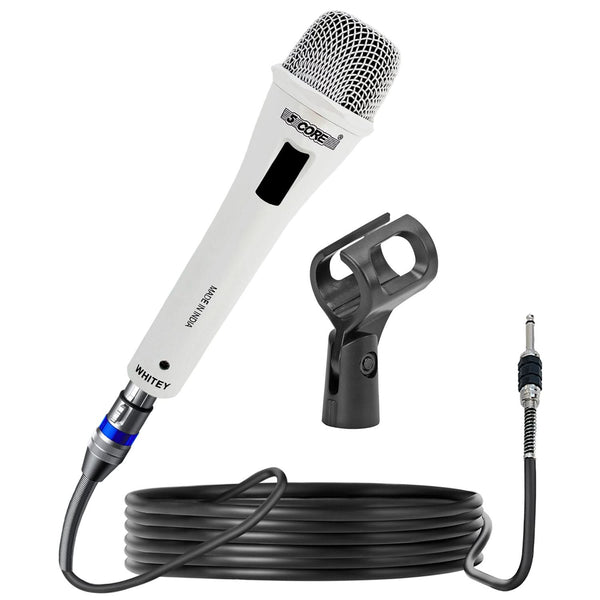
Proveedor: 5 Core
5Core XLR Microphone Dynamic Mic Karaoke Singing Studio Mics Handheld Microfono
SKU: MIC WHITEYSale price: $29.99
Regular price: $33.00 -
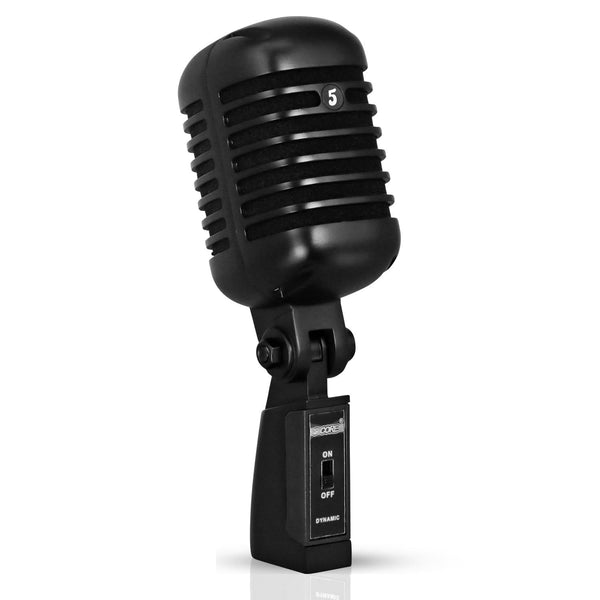
Proveedor: 5 Core
5Core Vintage Microphone Classic Dynamic Professional XLR Studio Retro Style Mic Black
SKU: RTRO MIC BLK$35.99 -
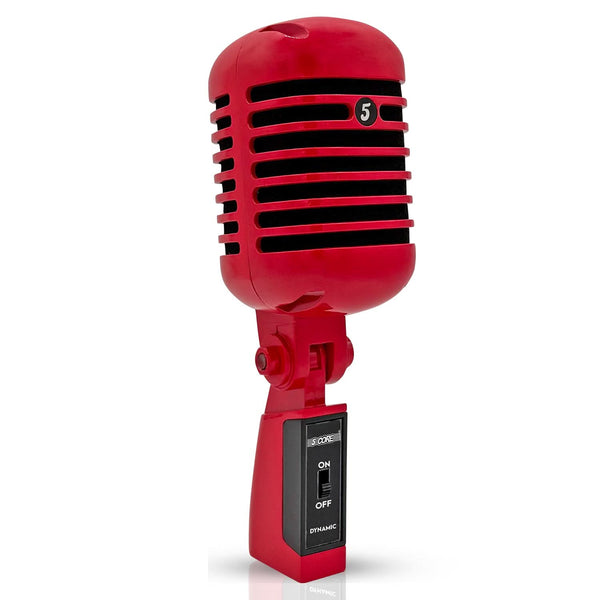
Proveedor: 5 Core
5Core Vintage Microphone Classic Dynamic Professional XLR Studio Retro Style Mic RED
SKU: RTRO MIC RED$42.99 -
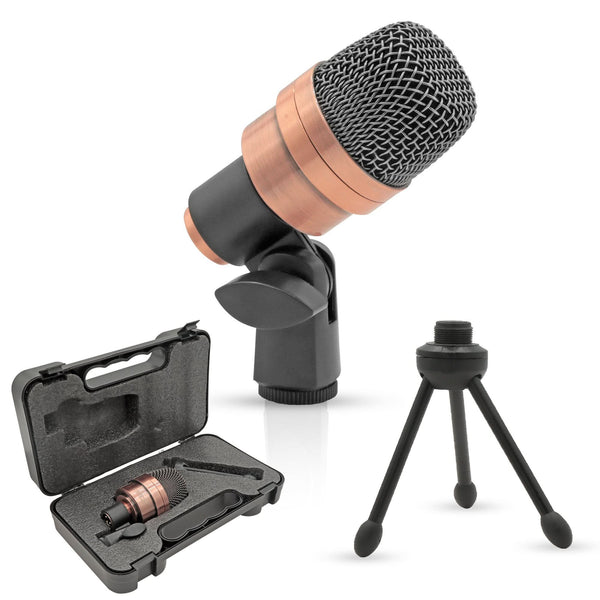
Proveedor: 5 Core
5 Core Snare Microphone XLR Wired Uni Directional Tom Drum and Other Musical Instrument Mic COPPER
SKU: SNARE XP COPPEREXSale price: $34.99
Regular price: $70.00 -
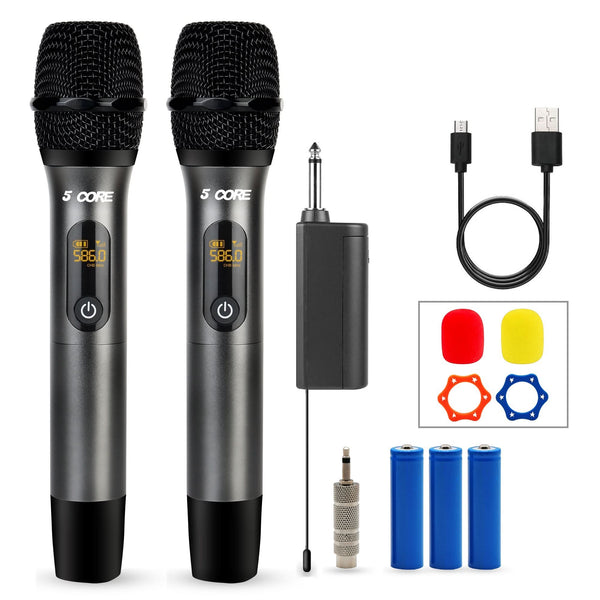
Proveedor: 5 Core
5Core Wireless Microphone Pair UHF Handheld Microfonos Inalambricos Cordless Mic GRAY
SKU: WM UHF 02-GRAYSale price: $39.33
Regular price: $43.00 -
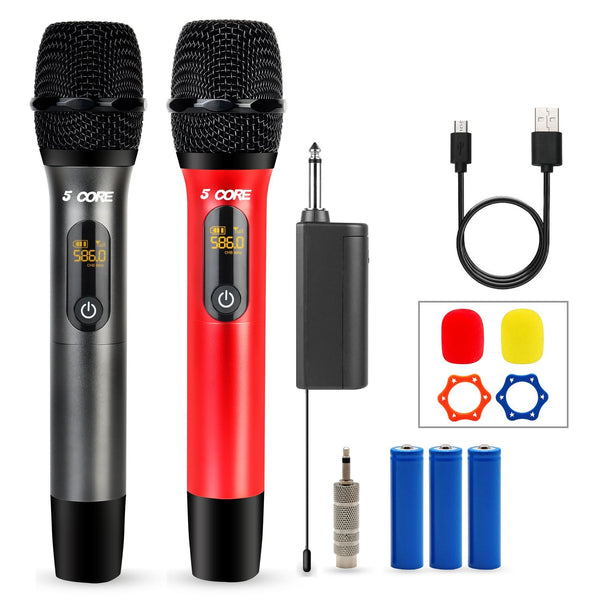
Proveedor: 5 Core
5Core Wireless Microphone Pair UHF Handheld Microfonos Inalambricos Cordless Mic RED + GRAY
SKU: WM UHF 02-RED+GRAY$39.99 -
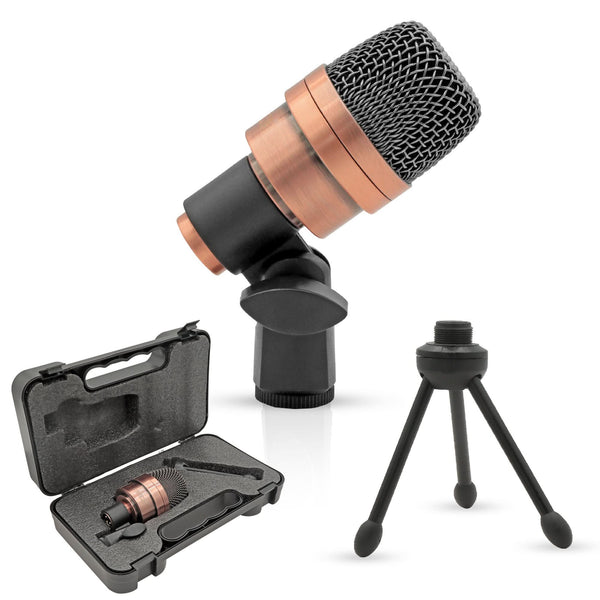
Proveedor: 5 Core
5 Core Tom Snare Mic Cardioid Dynamic Microphone for Drum Kit Precision Instrument COPPER
SKU: TOM XP COPPEREX$39.99 -
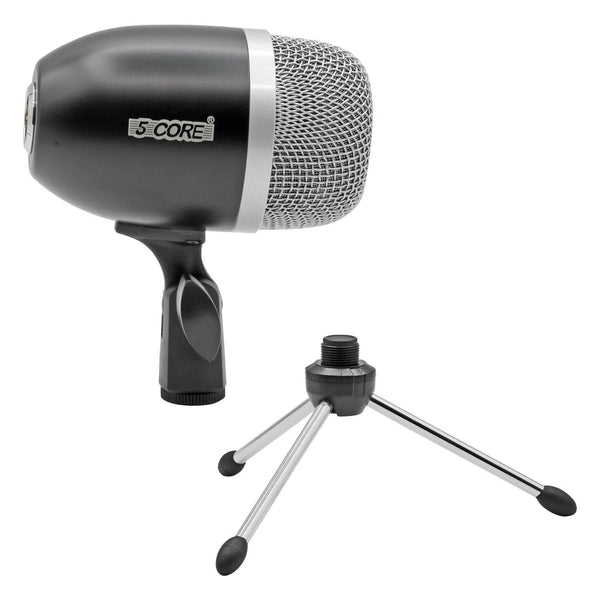
Proveedor: 5 Core
5Core Tom Snare Mic Cardioid Dynamic Microphone for Drum Kit Percussion Instrument BLACK
SKU: TOM MIC BLK$39.99 -
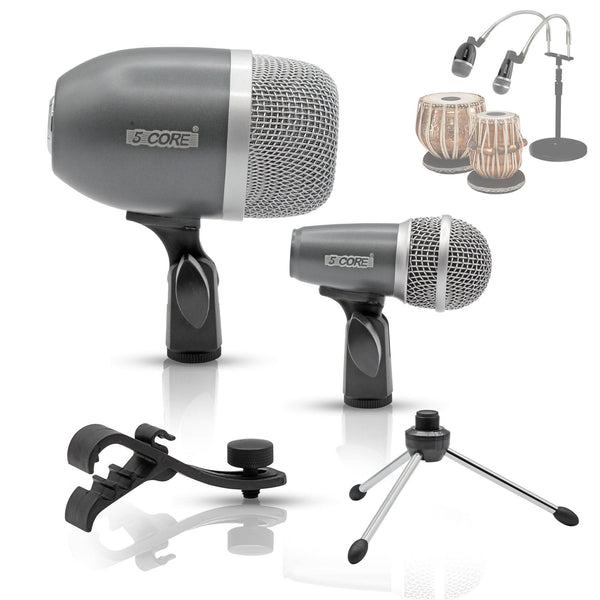
Proveedor: 5 Core
5 Core Tabla Mic Indian Instrument Microphone Set for Bayan Dayan Dholak Mic for Studio Stage Temple
SKU: TABLA MIC GREY$59.99 -
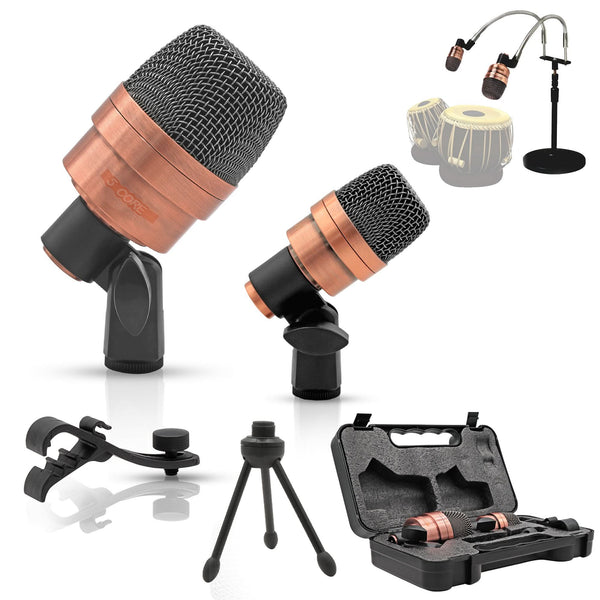
Proveedor: 5 Core
5 Core Tabla Mic Indian Instrument Microphone Set for Bayan Dayan Dholak Mic for Studio Stage Temple
SKU: TABLA MIC 2XP COPPEREX$59.99 -
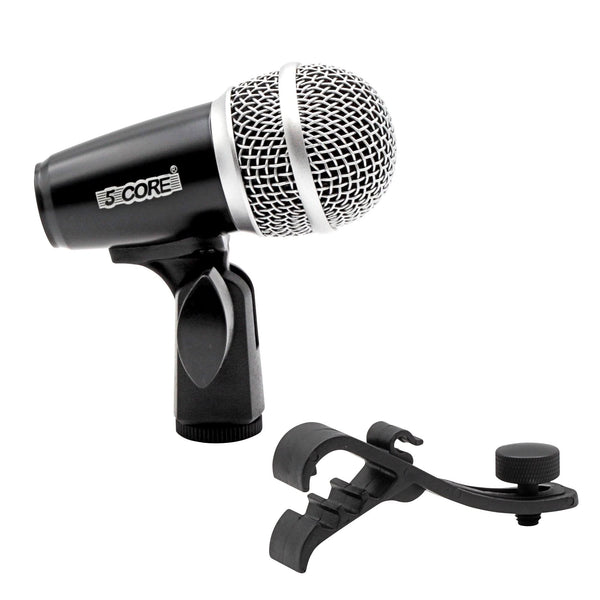
Proveedor: 5 Core
5Core Snare Mic XLR Cardioid Tom Drum Kick Instrument Microphone BLACK
SKU: SNARE MIC BLKSale price: $22.06
Regular price: $60.00 -
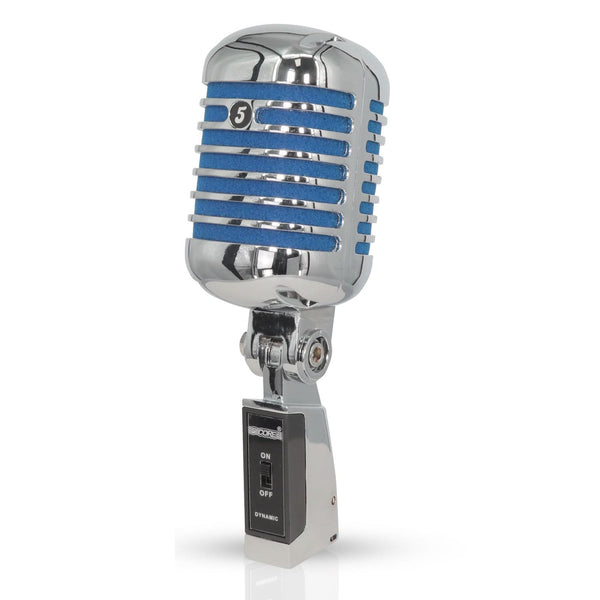
Proveedor: 5 Core
5Core Vintage Microphone Classic Dynamic Professional XLR Studio Retro Style Mic BLUE
SKU: RTRO MIC CH BLU$41.99 -
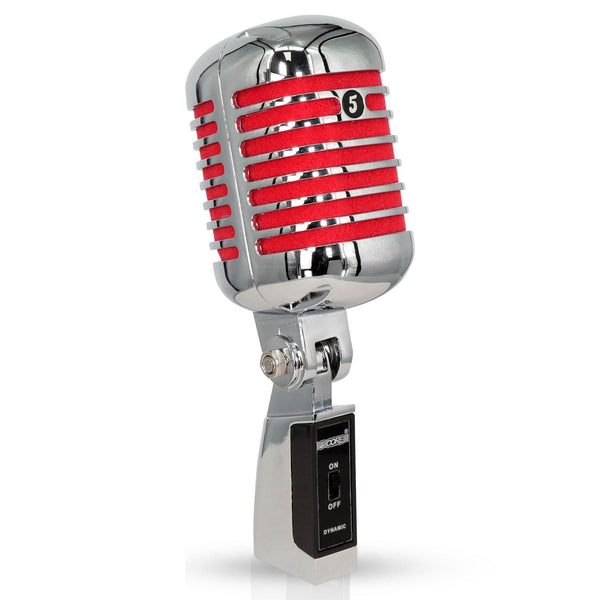
Proveedor: 5 Core
5Core Vintage Microphone Classic Dynamic Professional XLR Studio Retro Style Mic RED
SKU: RTRO MIC CH RED$39.99 -
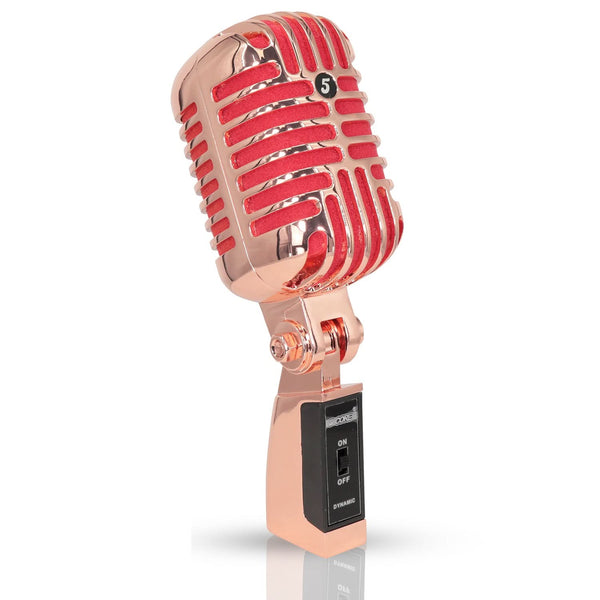
Proveedor: 5 Core
5Core Vintage Microphone Classic Dynamic Professional XLR Studio Retro Style Mic COPPER
SKU: RTRO MIC COPPER$49.99 -
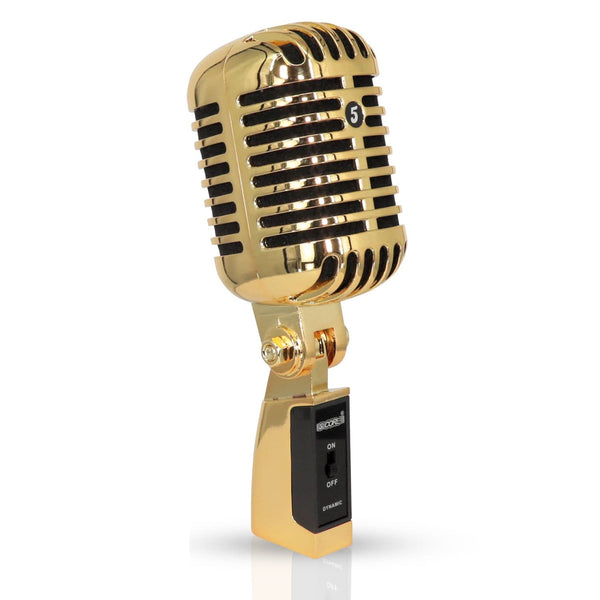
Proveedor: 5 Core
5Core Vintage Microphone Classic Dynamic Professional XLR Studio Retro Style Mic Gold
SKU: RTRO MIC GLD$78.99


Introduction – Why Choosing the Right Microphone Actually Matters
A bad microphone turns crisp streaming into muddy echoes, podcasts into hiss-filled rambles, and karaoke nights into unintelligible shouting matches, while online teaching loses authority and Zoom calls frustrate with dropouts. Content creators battle constant noise gates that chop words, and live performers face feedback disasters that kill crowds, as cheap mics clip peaks or bury vocals under rumble.
Poor frequency response skews highs (sibilance harshness) or lows (boomy mud), making voices unnatural—e.g., unbalanced 20Hz-20kHz capture dulls consonants or booms bass-heavy rooms. High self-noise (above 15-20dBA) injects constant hiss equivalent to a whispering crowd, drowning quiet sources like ASMR or acoustic guitars even in silent rooms, as the mic's internal electronics generate audible floor noise.
Dynamic range suffers too: low sensitivity forces gain boosts amplifying flaws, ruining clarity in professional setups where signal-to-noise ratios below 70dB expose every breath. Upgrading restores intelligibility, preventing lost viewers or strained performances.
Source- PMC NCBI
Microphone Terminology Explained: What “Wireless”, “USB”, “Bluetooth”, and “Condenser” Actually Mean
Wireless: Means no cables between mic and speakers/computer—a small transmitter in the mic sends sound as radio waves (UHF or 2.4GHz) to a separate receiver plugged into your gear, perfect for moving around during presentations or performances without tripping.
USB: Plugs straight into computers or laptops like a flash drive for instant plug-and-play recording or streaming—no extra audio interface needed, ideal for beginners doing podcasts or Zoom from home.
Bluetooth: Wireless via short-range radio waves from your phone/laptop to the mic (up to 10m), super convenient for casual calls or vlogs but prone to dropouts and compression that muddies pro audio quality.
Condenser: Uses electric charge inside to capture super-clear, detailed sound across full frequencies, needing "phantom power" (48V from interfaces) for quiet rooms like studios—more sensitive than dynamics but picks up room noise easily.
Types of Microphones Available Today (2025 Complete Guide)
Dynamic Microphones (stage classics): Rugged designs handle high sound pressure levels and reject background noise with cardioid patterns, ideal for live vocals, speeches, or loud instruments—durable without needing external power.
Condenser Microphones (studio & podcast favorites): Sensitive diaphragms capture detailed frequencies requiring phantom power, excelling in controlled environments for vocals, acoustics, or nuanced recordings—large diaphragms warm voices, small ones detail transients.
USB Microphones (plug-and-play for beginners): Integrated preamps and interfaces connect directly to computers for instant setup with monitoring, suiting home streaming, podcasts, or calls without extra gear.
Wireless Handheld Microphones: Battery-powered transmitters send audio via radio frequencies to receivers up to 100m, freeing movement for presentations, performances, or events with reliable range.
Wireless Lavalier/Lapel Microphones: Discreet clip-on units transmit to cameras or mixers 50-200m away, rejecting off-axis sound for interviews, vlogs, or film with wind protection.
Bluetooth Karaoke Microphones: Portable pairs with devices up to 10m for singing with built-in effects, convenient for casual parties but limited by compression.
Gaming Headsets with Mic: Boom-arm integrations offer noise rejection and USB connectivity for clear voice in noisy gaming or streaming sessions.
Shotgun Microphones (for video/content creators): Highly directional patterns focus narrow fields 1-3m ahead, isolating dialogue from surroundings with low-cut filters for cameras.
Boundary/PZM Microphones (conference rooms): Flat placements on surfaces use boundary effect for natural pickup in meetings or stages, low-profile and reflection-resistant.
Source- streamyard
Key Features to Look for When Buying a Microphone
Polar Patterns Explained: Cardioid picks up front-facing sound while rejecting sides/rear, ideal for live vocals or podcasts isolating one voice. Supercardioid narrows focus further with slight rear sensitivity for stages rejecting monitors. Omnidirectional captures 360° evenly for group meetings or ambient room sound. Bidirectional (figure-8) grabs front and back equally for duets or interviews facing each other.
Frequency Response Curves: "Flat" (20Hz-20kHz even) reproduces natural voice/instruments accurately in studios; "tailored" boosts mids (3-5kHz) for live clarity or lows for warmth in broadcasting.
Sensitivity and Max SPL: High sensitivity (-30dB+) captures whispers quietly; max SPL over 140dB handles singers' peaks without distortion—essential for loud performances avoiding clipping.
Self-Noise: Below 15dBA ensures quiet recordings like ASMR/podcasts stay hiss-free; higher noise floors ruin subtle sources even in silent rooms.
Build Quality: Metal bodies resist stage abuse vs plastic for home use; included shock mounts cut handling rumble, with pop filters taming plosives.
Wireless Range & Latency: UHF reaches 100m reliably outdoors; 2.4GHz suits indoors up to 50m with low latency; Bluetooth limits 10m with noticeable delay/compression.
Battery Life Reality: AA lasts 6-8 hours but varies with volume; rechargeables hit 10-12 hours consistently—check real-world tests over claims.
Phantom Power vs USB: Condensers need 48V from interfaces; USB models bus-power via computer for plug-and-play without extras.
Included Accessories: XLR cables, stands, cases, and windscreens add value—verify boom arms for desks or adapters for cameras.
Source- Soundtech
Safety First – Common Microphone Failures and How to Prevent Them
Phantom Power Damage: Phantom power (48V) is required for condenser mics but can damage vintage ribbon mics or unbalanced connections if miswired. Modern dynamic mics generally tolerate phantom power safely, but best practice is to turn phantom off when using non-condensers and use quality cables to avoid shorts.
Moisture & Sweat: Wireless microphone packs are vulnerable; wipe regularly, use sweatbands, and store dry to prevent corrosion and signal loss over time.
Cable Microphonics & Cold Solder Joints: Handle cables gently to avoid internal wire breaks causing intermittent noise; secure connectors and replace cables showing wear.
Dropping Handheld Mics: Dents in grille or capsule shifts cause distortion; use shock mounts, carry cases, and avoid impacts.
Popping/Plosives: Strong "p" or "b" sounds burst diaphragms; use pop filters, angle mic slightly off-axis, or distance to reduce.
RF Interference: In crowded 2.4 GHz environments, digital wireless mics can drop; opt for UHF systems or frequency-hopping tech to reduce dropout.
Hearing Safety: Avoid monitoring at high volumes over 85 dB for extended periods; use volume-limiting features and quality headphones to protect ears during long sessions.
Source- Focusrite
How to Properly Use Any Microphone (Step-by-Step Techniques)
Correct Mic Distance: For singing, keep 4-6 inches from the mic to capture full tone without breath noise; for speaking or streaming, 2-4 inches ensures clarity and presence without distortion. Move slightly off-axis for plosive control.
Plosive Control & Pop Filter: Position a pop filter (foam or mesh screen) 1-3 inches in front to diffuse bursts of air from “p” and “b” sounds that can damage diaphragms and cause popping. Speak slightly above or to the side of the mic’s direct path to reduce harsh bursts.
Off-Axis Coloring Tricks: Angling the mic 10-15 degrees off-center warms sound by softening sibilance and brightness, useful for vocals or instruments needing a mellower tone.
Gain Staging to Avoid Clipping: Set input gain on preamps or interfaces so peaks reach around -12 to -6 dB, leaving headroom for unexpected dynamics. Avoid maxing gain to prevent harsh distortion or equipment damage. Monitor levels visually and listen for distortion.
Wireless Bodypack Placement: Attach the transmitter to a stable, non-metallic spot on the body, avoiding creases or movement areas to prevent signal dropout or interference. Keep antennas unobstructed and away from RF sources.
Holding a Handheld Mic without Feedback: Hold mic firmly but not tightly about 2-4 inches from the grille, slightly angled to avoid direct line with speakers or monitors. Avoid covering the grille with hands to prevent muffling or noise.
These techniques improve vocal clarity, reduce common audio issues, and maintain gear longevity for any microphone use scenario.
Maintenance & Long-Term Care – Make Your Microphone Last 10–15 Years
Cleaning Grilles and Windscreens: Remove removable foam windscreens weekly and wash with mild soap/water, air-drying fully; wipe metal grilles with microfiber cloth and compressed air—never submerge or use liquids on capsules to avoid moisture damage.
Storing Capsules in Low-Humidity Environments: Place condensers in airtight cases or plastic bags with fresh silica gel packets (replace every 2-4 weeks in humid areas) at 40-50% RH and 15-25°C; dry cabinets prevent diaphragm corrosion for long-term stability.
Cable Care and Strain Relief: Coil cables loosely without kinks, avoiding sharp bends at connectors; use right-angle plugs and strain relief clips to prevent microphonics from wire fatigue—inspect/replace frayed shielding yearly.
Battery Corrosion Prevention: Remove batteries from wireless packs after use, store in cool/dry spots; clean terminals with isopropyl alcohol if corroded, preferring rechargeables to minimize leakage risks.
Replacing Foam/Metal Mesh Grilles: Swap foam every 3-6 months if damp/stained (reduces plosives); replace dented metal grilles when sound muffles (every 2-5 years heavy use)—kits restore breathability without capsule access.
Capsule Re-Alignment After Drops: Minor drops shift diaphragms causing imbalance; pros use specialized tools for re-tensioning—prevent with shock mounts/cases, test post-impact by checking frequency response.
Source - Hoangbaokhoa
Real-World User Scenarios – Which Microphone You Actually Need
Home Karaoke Party Host: Bluetooth karaoke microphone, omnidirectional or cardioid polar pattern, wireless for mobility around the room during group singing.
Twitch/YouTube Gamer: USB microphone or gaming headset with mic, cardioid polar pattern, wired USB for zero-latency streaming and noise rejection in noisy setups.
Beginner Podcaster (Solo): USB condenser microphone, cardioid polar pattern, wired for plug-and-play home recording with clear voice isolation.
Beginner Podcaster (Interview): Dynamic microphone or USB dynamic, bidirectional polar pattern, wired XLR for duets facing each other without bleed.
Zoom Teacher / Online Tutor: USB microphone or boundary microphone, cardioid polar pattern, wired for desk stability and consistent voice pickup during lessons.
Wedding Singer / Live Performer: Dynamic handheld microphone, supercardioid polar pattern, wireless handheld for stage movement and feedback rejection.
Mobile DJ: Wireless handheld microphone, cardioid polar pattern, wireless UHF for reliable range across venues with quick setup.
Content Creator Filming Outdoors: Wireless lavalier microphone, omnidirectional polar pattern, wireless 2.4GHz for discreet clipping with wind protection.
Church Worship Leader: Dynamic handheld microphone, cardioid polar pattern, wireless handheld for hands-free preaching/singing with stage monitors.
Frequently Asked Questions (FAQs) – Everything People Actually Search
Question: Dynamic vs condenser—which is better for beginners?
Answer: Dynamic mics suit live or noisy rooms with ruggedness; condensers excel in studios for detail but pick up more background—start with dynamic for versatility.
Question: USB or XLR—which should I buy first?
Answer: USB for plug-and-play home use without interfaces; XLR for pro upgrades needing preamps and better control.
Question: Do I really need a pop filter?
Answer: Yes for plosives on close-miked vocals; position 1-3 inches ahead, or angle off-axis—essential for podcasts/streaming.
Question: What's phantom power and does it damage mics?
Answer: 48V supply for condensers; safe for most dynamics but avoid on ribbons—turn off when swapping mics.
Question: How do I stop microphone feedback on stage?
Answer: Use cardioid/supercardioid patterns, point mic away from speakers, gain stage low, and add anti-feedback processors.
Question: Wireless or wired—which is more reliable?
Answer: Wired for zero latency/dropouts; wireless UHF best for range, 2.4GHz indoors—Bluetooth casual only.
Question: What's a good first microphone under $100?
Answer: Entry dynamic or USB cardioid handles vocals/podcasts reliably without hiss.
Question: Why is my mic picking up room noise?
Answer: Omnidirectional pattern or high sensitivity; switch to cardioid, add acoustic treatment, lower gain.
Question: Self-noise—what level is acceptable?
Answer: Under 15-20dBA for quiet recording; higher ruins podcasts/ASMR.
Question: Cardioid vs omnidirectional—when to use each?
Answer: Cardioid rejects sides for solos/stages; omni for even group capture like meetings.
Question: Can I use gaming headset mics for streaming?
Answer: Yes for budget with noise rejection; upgrade to dedicated USB for pro clarity.
Question: How far from mic for singing vs speaking?
Answer: Singing 4-6 inches for warmth; speaking 2-4 inches for presence—adjust for proximity effect.
Question: Bluetooth mics good for professional podcasts?
Answer: No, compression/latency issues; use USB/XLR for quality.
Question: Max SPL—why matters for singers?
Answer: Over 140dB handles loud peaks without clipping live.
Question: How to clean a microphone grille?
Answer: Wipe metal dry, wash removable foam—never submerge capsules.
Question: Do all condensers need phantom power?
Answer: Yes, 48V standard—USB condensers self-power.
Question: Wireless lavalier range realistic?
Answer: 50-100m line-of-sight; walls cut 50%.
Question: Frequency response—what's "flat"?
Answer: Even 20Hz-20kHz for natural sound; tailored boosts cut through mixes.
Question: Can sweat damage wireless mics?
Answer: Yes, corrodes packs—wipe dry, store low humidity.
Question: Shotgun mic for YouTube—indoor or outdoor?
Answer: Outdoors for focus; indoors risks off-axis loss.
Question: Battery life for wireless handheld?
Answer: 6-12 hours; rechargeables consistent.
Question: Proximity effect—how to control?
Answer: Back off mic for less bass boost on close vocals.
Conclusion
Selecting the right microphone elevates streaming, podcasts, and performances from amateur mud to professional clarity, with dynamics suiting live chaos and condensers capturing studio nuance when matched to polar patterns and self-noise specs. Key decisions like cardioid rejection for noisy rooms, USB simplicity for beginners, or wireless freedom for stages prevent common pitfalls such as feedback or hiss.
Prioritize gain staging, pop filters, and humidity-safe storage to ensure 10+ years of reliable service across home karaoke or outdoor vlogs. Wired setups guarantee zero latency for gaming or teaching, while UHF wireless empowers mobile DJs without dropouts.
Ultimately, align type, SPL handling, and accessories to your scenario—test distances and patterns first—for distortion-free audio that retains audiences and protects hearing long-term.